
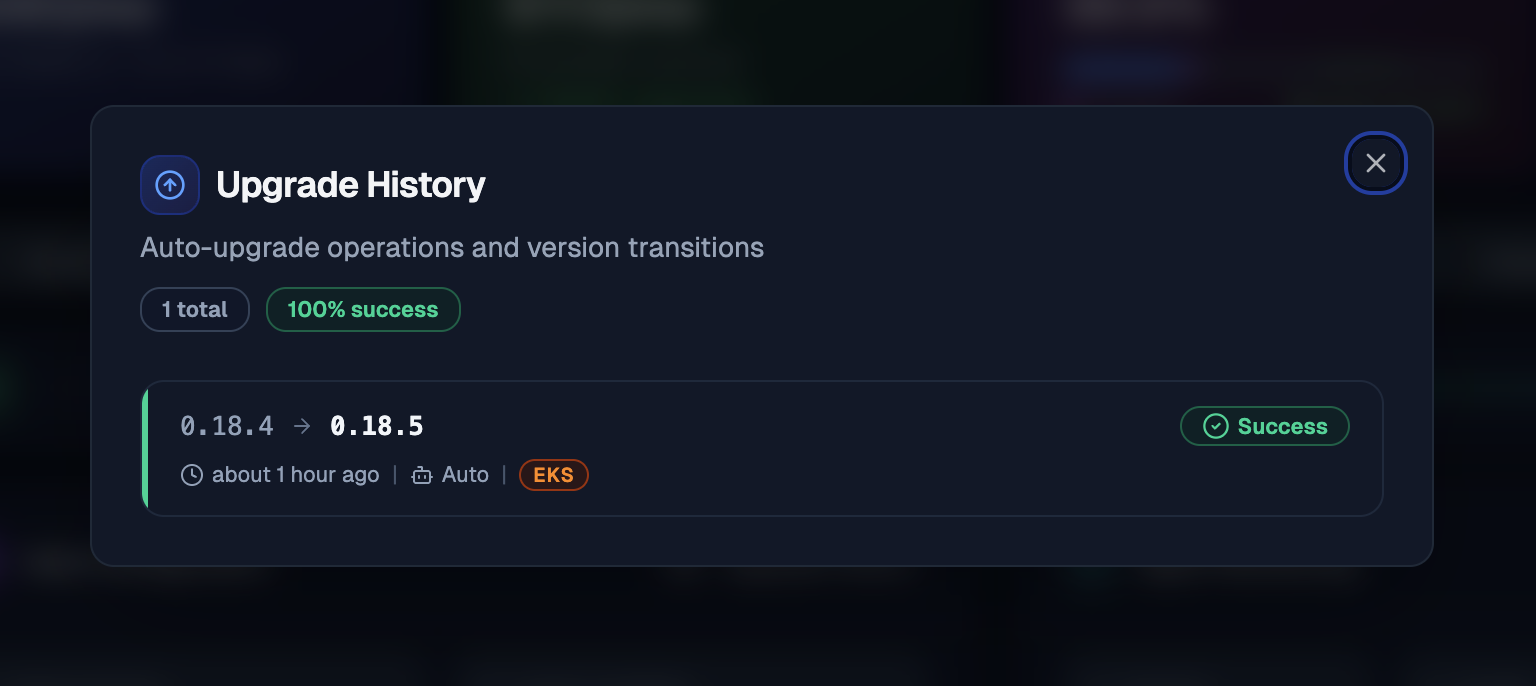
The problem with manual upgrades
Running helm upgrade on three clusters is fine. Running it on ten starts to feel like a chore. At twenty, it becomes a maintenance tax that scales linearly with your fleet and adds zero business value.
You end up with clusters stuck on old chart versions because nobody had time to upgrade them this week. Outdated agents miss new features and security fixes. The longer clusters stay behind, the harder they are to bring forward.
Auto-upgrade removes this entirely. Each cluster checks for updates on its own schedule, upgrades itself if a safe path exists, and reports the result to the dashboard. You get a single view of every cluster's version without touching kubectl.
How it works
Enable it in your Helm values under agent.autoUpgrade:
agent:
  autoUpgrade:
    enabled: true
This adds a sidecar container (kubeadapt-upgrader) to the agent pod. The sidecar runs a check loop:
- Check: Query the backend for a version matching your upgrade policy and channel.
- Upgrade: Apply the new chart version. The operation is atomic and locked; no other process can modify the chart release until this cycle completes.
- Detect rollback (automatic): If the upgrade failed, Helm rolls back to the previous version on its own.
- Report: Send success, failed, or rolled_back status to the backend.
<!-- callout:note -->The upgrader uses
--reset-then-reuse-valuesinstead of--reuse-values. New chart defaults take effect while your explicit overrides (likeagent.config.token) are preserved. When you upgrade manually, pass the same flag to get the same behavior.:::
note
Auto-upgrade has been stable since v0.18.5. If you are upgrading to v0.18.5, make sure to use the --reset-then-reuse-values flag so that new chart defaults are applied correctly alongside your existing overrides.
:::
The update model
Prevention over recovery.
How it thinks
The update model has three parts:
- Graph Builder: Every chart release declares which previous versions can safely upgrade to it. The backend assembles these declarations into a version graph.
- Policy Engine: When a cluster asks "what should I upgrade to?", the engine filters the graph by upgrade policy, release channel, and platform. Problematic versions are removed from the graph via blocked edges. The cluster only sees versions that are safe for its specific environment.
- Client: The upgrader in your cluster receives the filtered graph, picks the next safe version, and performs the upgrade.
The client is stateless. The next check cycle always starts fresh.
Version graph
Each chart version ships an upgrade-metadata.yaml that declares which previous versions can upgrade to it:
1chartVersion: "0.18.5"
2upgradeFrom:
3  - "0.18.4"
4  - "0.18.3"
5  - "0.18.2"
6  - "0.18.1"
7  - "0.18.0"
8  - "0.17.0"
9channels:
10  - fast
Blocked edges
If a released version turns out to have a bug, it gets blocked at the graph level. Clusters that have not upgraded yet never see that version. Clusters already on the bad version get a path that skips over it in the next cycle. The fix ships as a new version that all affected clusters pick up automatically.
Multi-hop upgrades
When the gap between current and target is large, the backend returns a sequential path: 0.17.0 -> 0.18.0 -> 0.18.5. The upgrader executes one hop per check cycle, ensuring each intermediate version's migrations and defaults apply in order.
Platform-aware updates
The upgrader auto-detects your cloud provider (EKS, AKS, GKE, or on-premise) at startup. Platform gets sent with every update check, so the backend can scope versions by environment. Your clusters only receive patches relevant to them.
Release channels
| Channel | Description |
|---|---|
fast | Early access. New features ship here first. Currently the default. |
stable | Production-ready with additional soak time. Will become the default after v1. |
<!-- callout:note -->Both channels receive security fixes.
fastgets new features sooner. We have not released a v1 chart yet, so all releases currently go throughfast. Once v1 ships,stablewill become the default channel.:::
Get started
Full configuration reference, upgrade policies, RBAC setup, and troubleshooting in the auto-upgrade documentation.
danger
The auto-upgrade service account has write access to the kubeadapt namespace. If you bring your own service account, make sure it has the required RBAC permissions. Check the generated ClusterRole for the full list.
:::